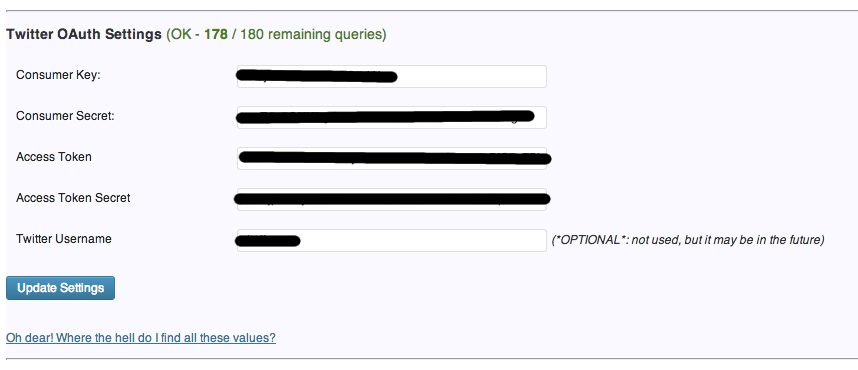
In order to use this plugin, you need to fill the information about your consume key/secret and access token key/secret. These personal information will be stored in your local database only, and won’t be shared elsewhere.
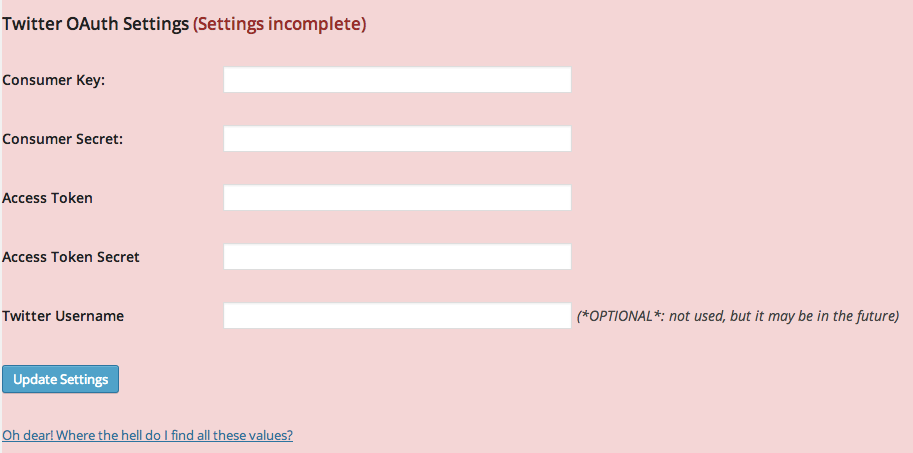
If you don’t have these values, you can get them following these steps:
- Login to https://dev.twitter.com
- Go to My Applications page and click on create a new application
- After creating your application, you can find the Consumer Key and Consumer Secret
- Click on “Create access token” button to get the Access Token and Access Token Secret
If the values are correct, a counter of remaining API queries will show up at the top of the box