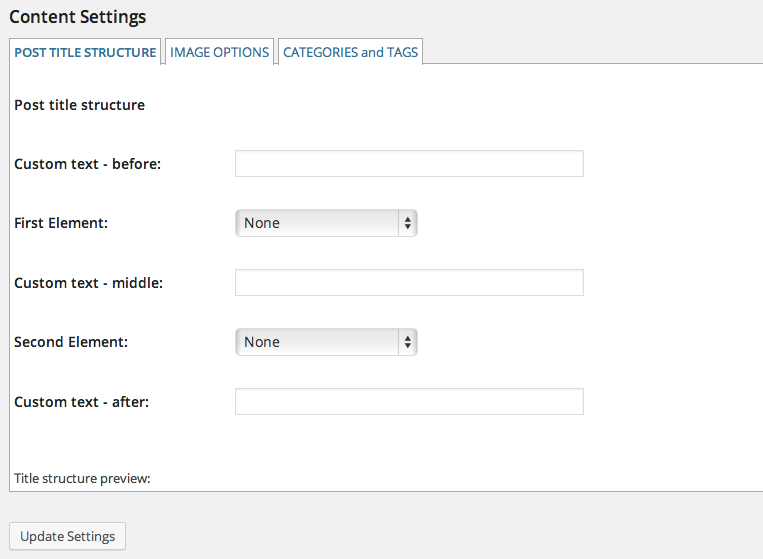
Set what to display in the post title and how to use images in the tweet. You can also decide to set tweets to a particular category or tag, based or not on the content of the tweet.
CATEGORIES AND TAGS
You can assign tweets to a defined category, one for all or one based on keywords. You can define one or more keyword that, of present in the tweet, will assign that category to the post.
You can also decide to assign tags to a post based on the hashtags (all words that match # at the beginning) or based on the keywords set.
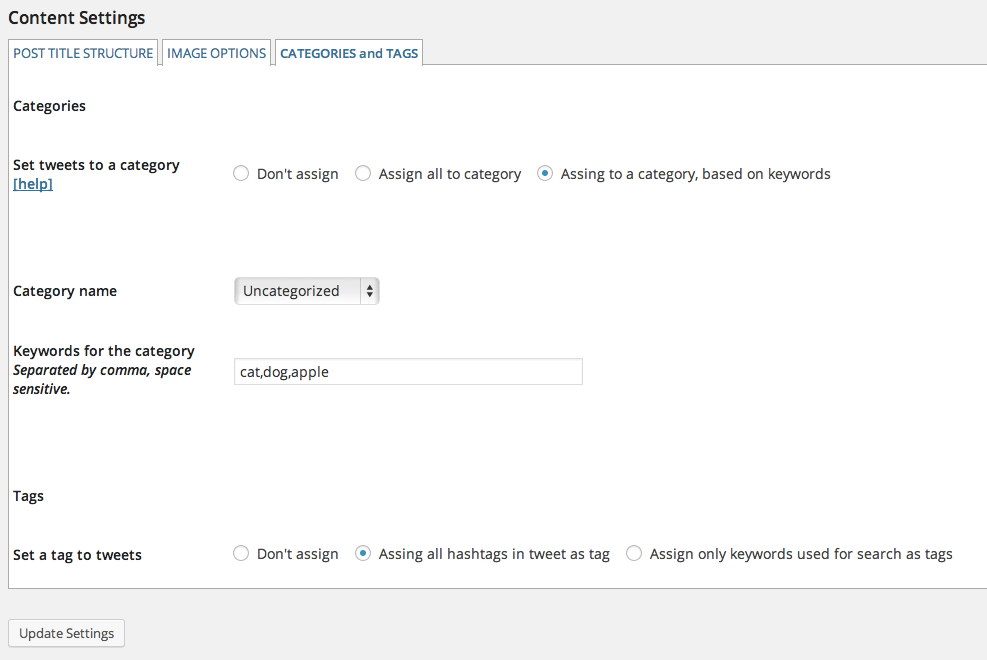
IMAGE OPTIONS
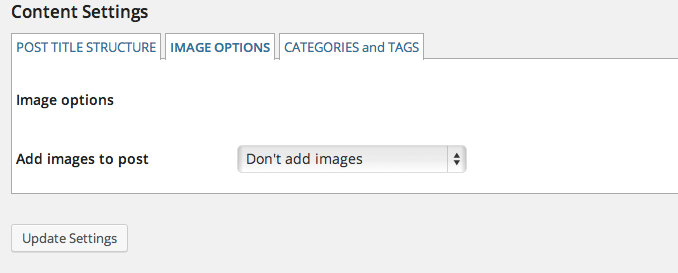
Images in tweet can be embedded in the post after or before the content. They are included as link, and not imported in WordPress.
POST TITLE STRUCTURE
For each post you can decide what the title will look like. It can be composed in the form of
[custom text] <element of tweet> [custom text] <element of tweet> [custom text]
The element of the tweet can be:
- tweet content (text)
- tweet author
- tweet publishing date
i.e. : Tweet by author_name posted on Mon 10 Feb 2014 18:30